The Story
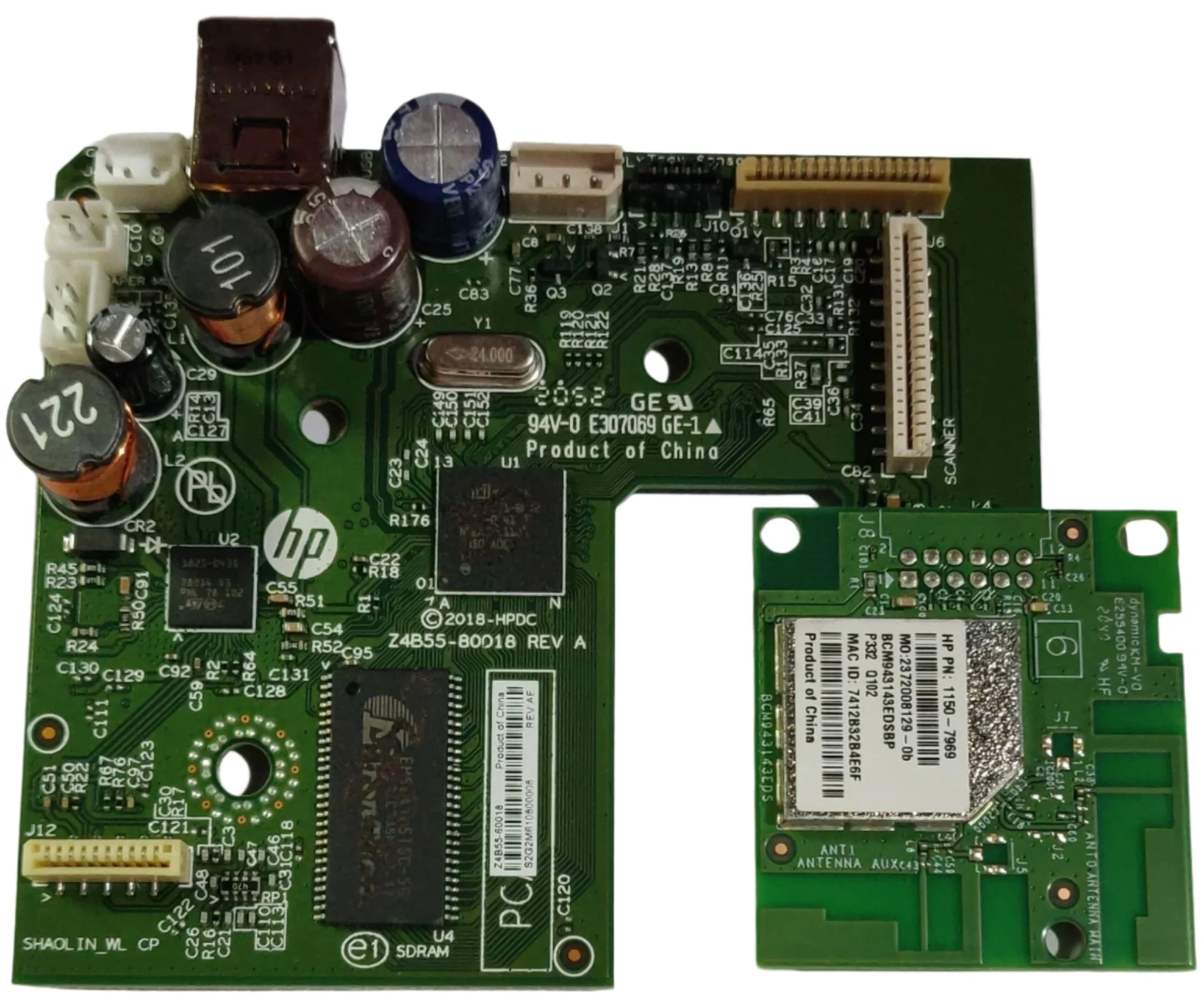
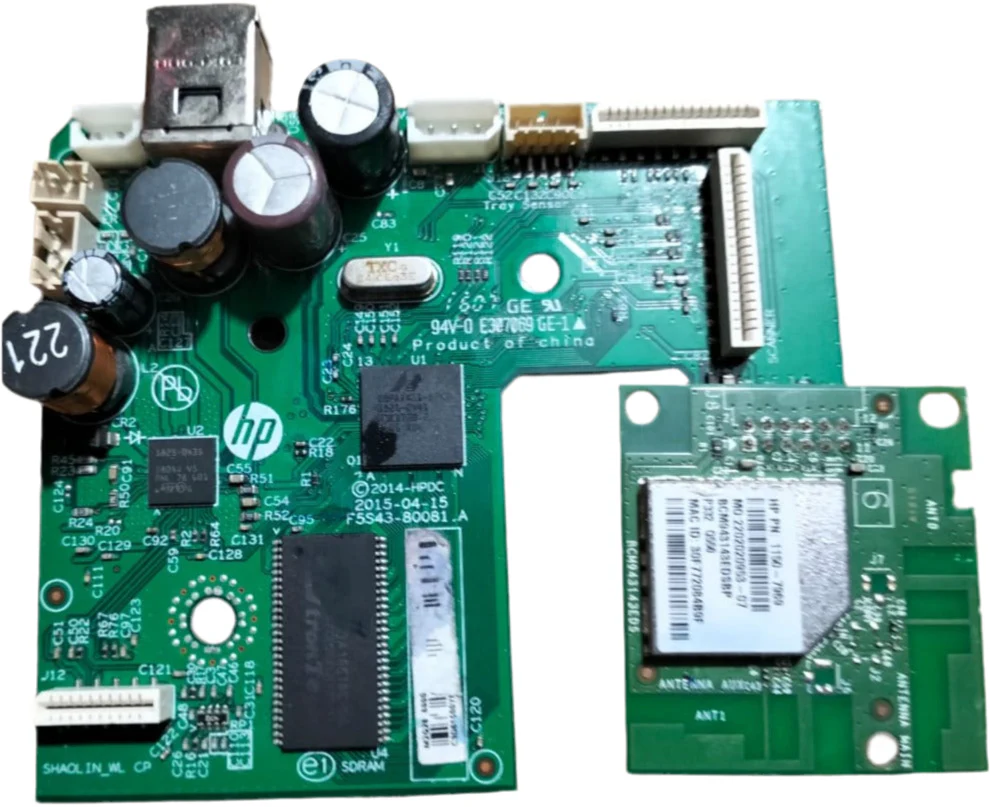
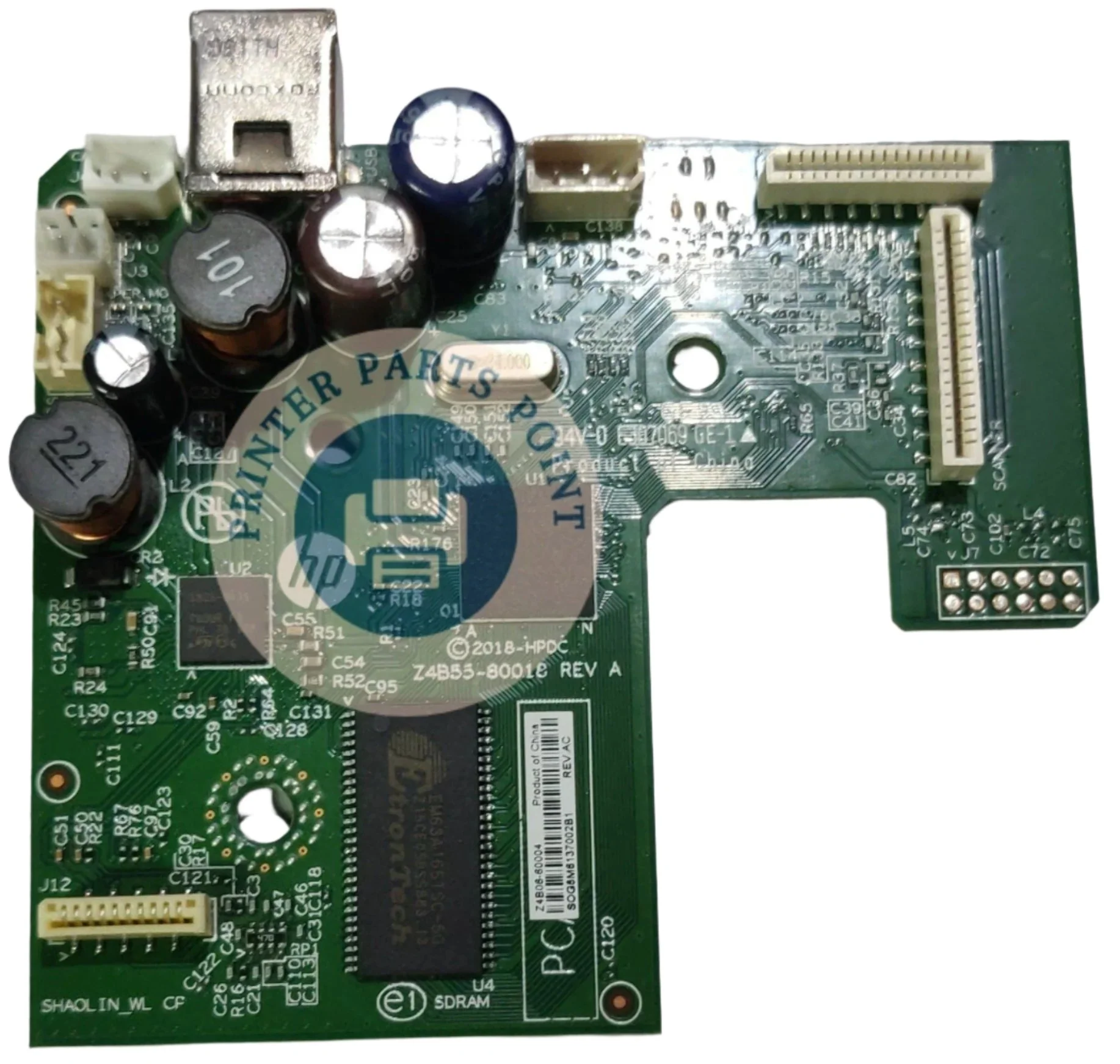
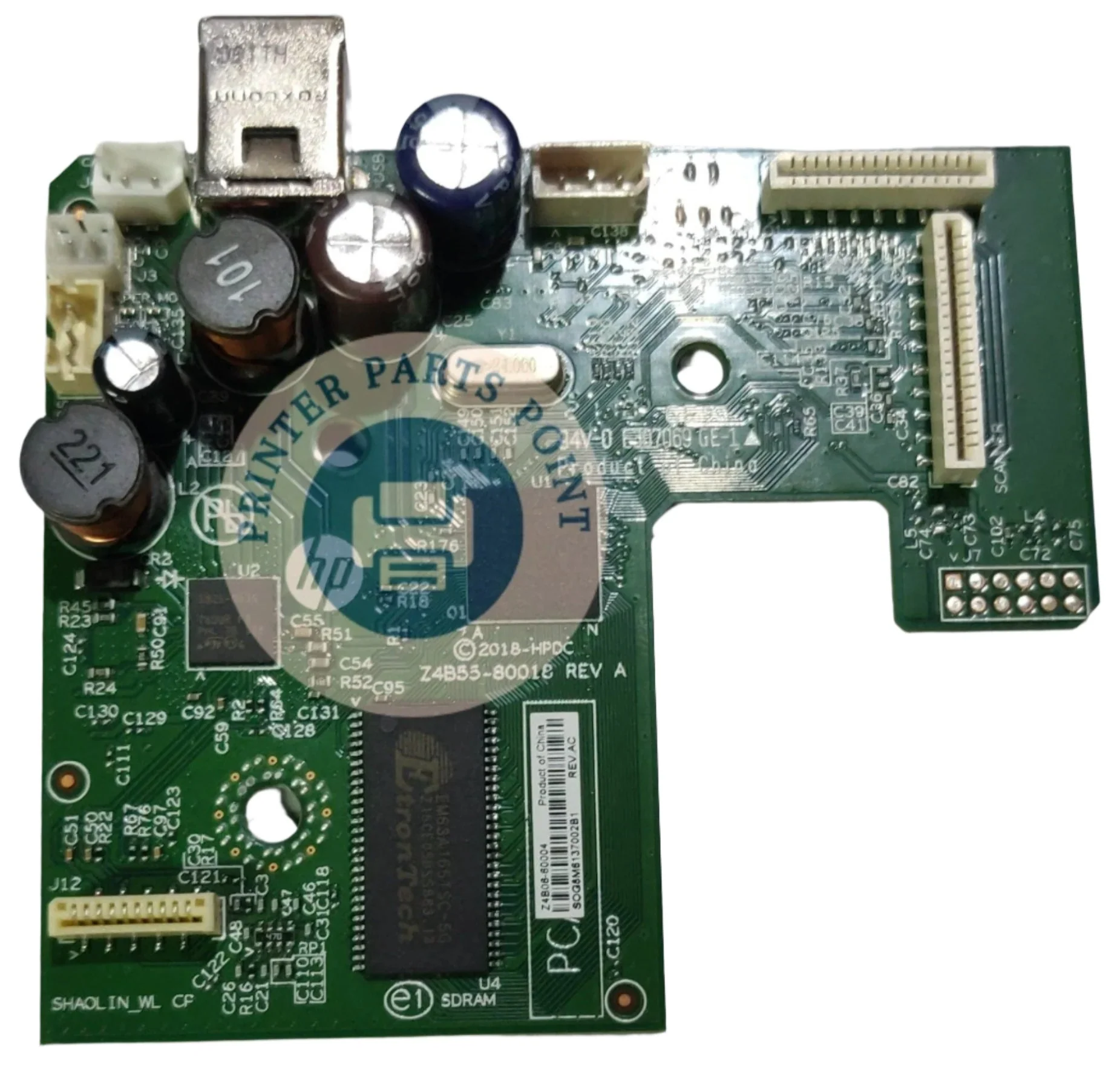
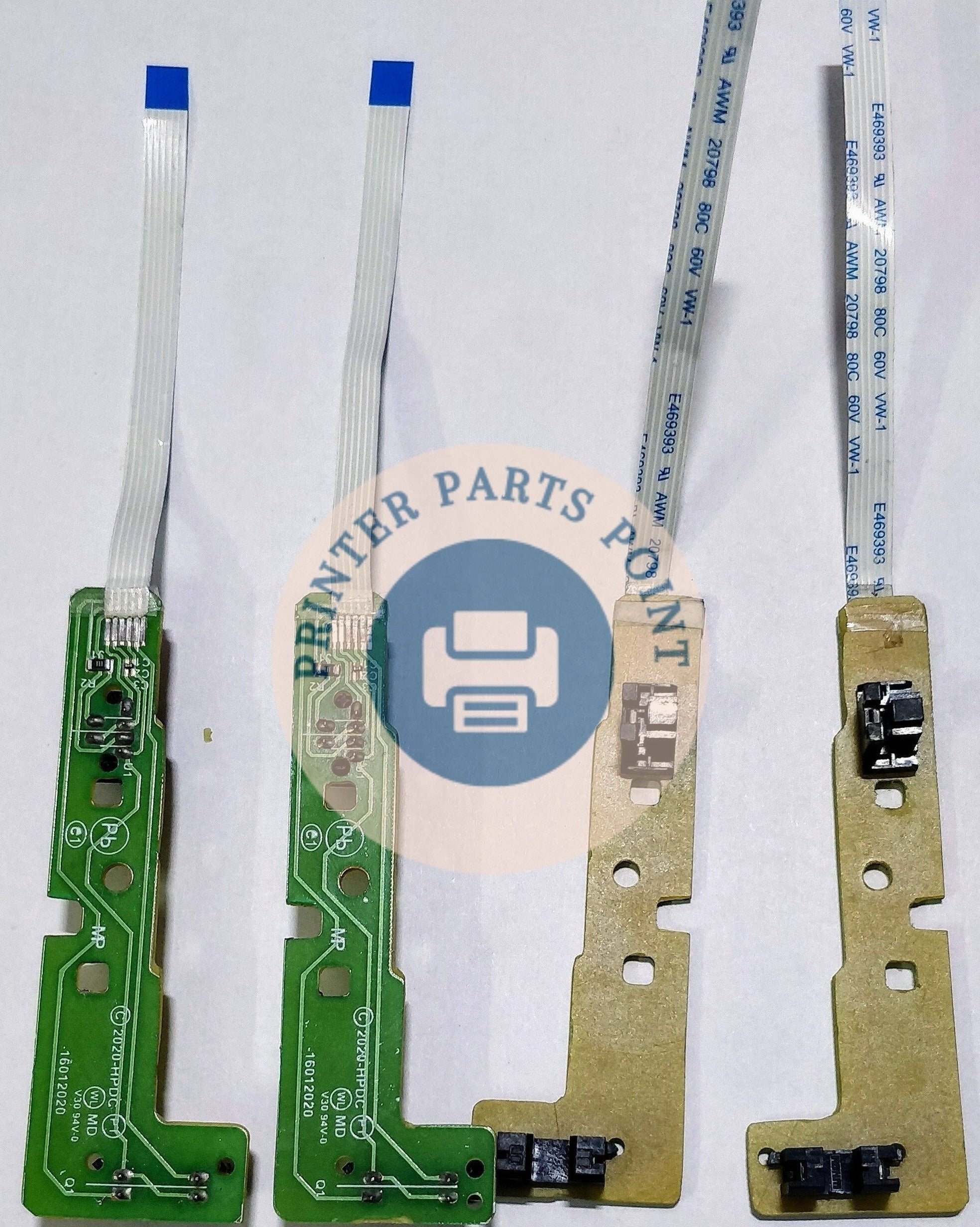
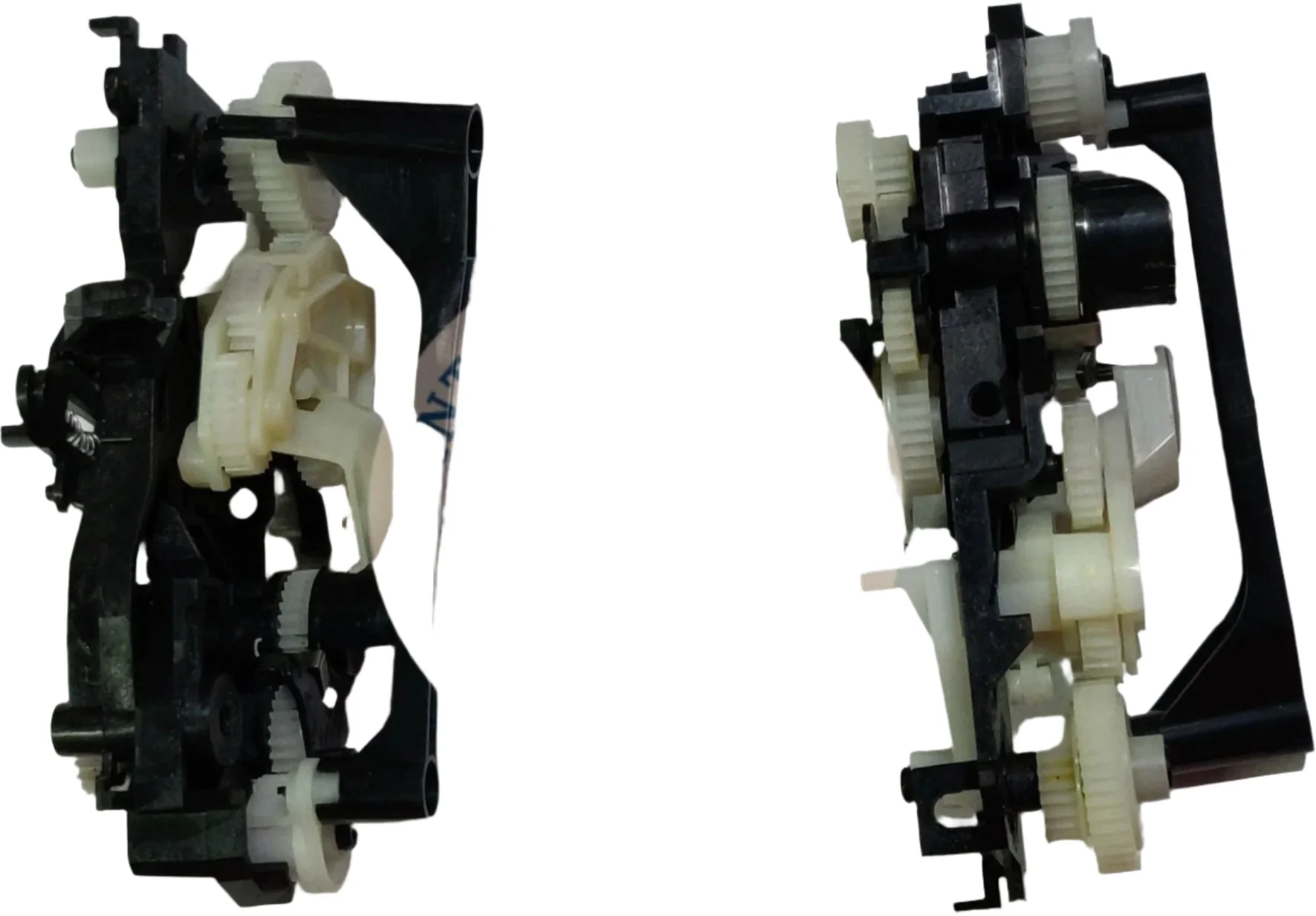
Compatible Model - HP Smart Tank 500 All-in-One series - Hp Smart Tank 500 Series - HP Ink Tank 500
HP Smart Tank 510 Wireless All-in-One series - HP Smart Tank 516 Wireless All-in-One
HP Smart Tank 530 Wireless All-in-One series - HP Smart Tank 610 Wireless All-in-One
HP Smart Tank Plus 550 Wireless All-in-One series - HP Smart Tank Plus 570 Wireless All-in-
HP Smart Tank Wireless 450 series - HP Ink Tank Premium 615
HP Ink Tank Premium 655 - 1TJ11A - HP Smart Tank 500- HP Smart Tank 500 All-in-One
HP Smart Tank 510 - 3YW73A - HP Smart Tank 510 - 4SB23A
HP Smart Tank 516 Wireless All-in-One Pr - 3YW70A - HP Smart Tank 530 Wireless
HP Smart Tank 530 Wireless All-in-One - 4SB25A HP Smart Tank 530 Wireless
Part Condition :- New
Part Warranty :- No Replacement - No Warranty - Non Returnable Item
The "Data Highway" of Your Scanner
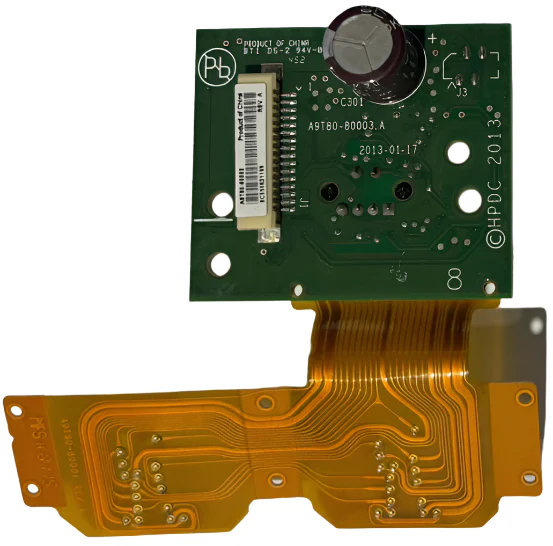
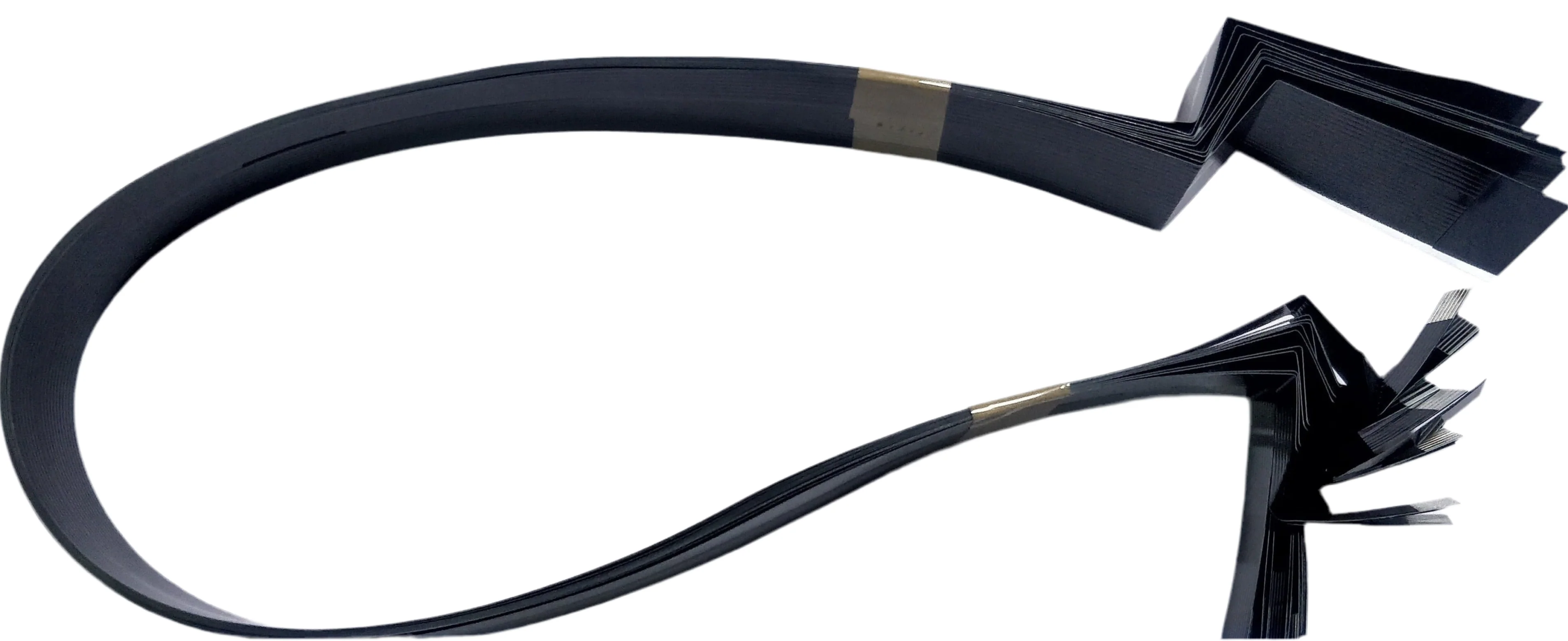
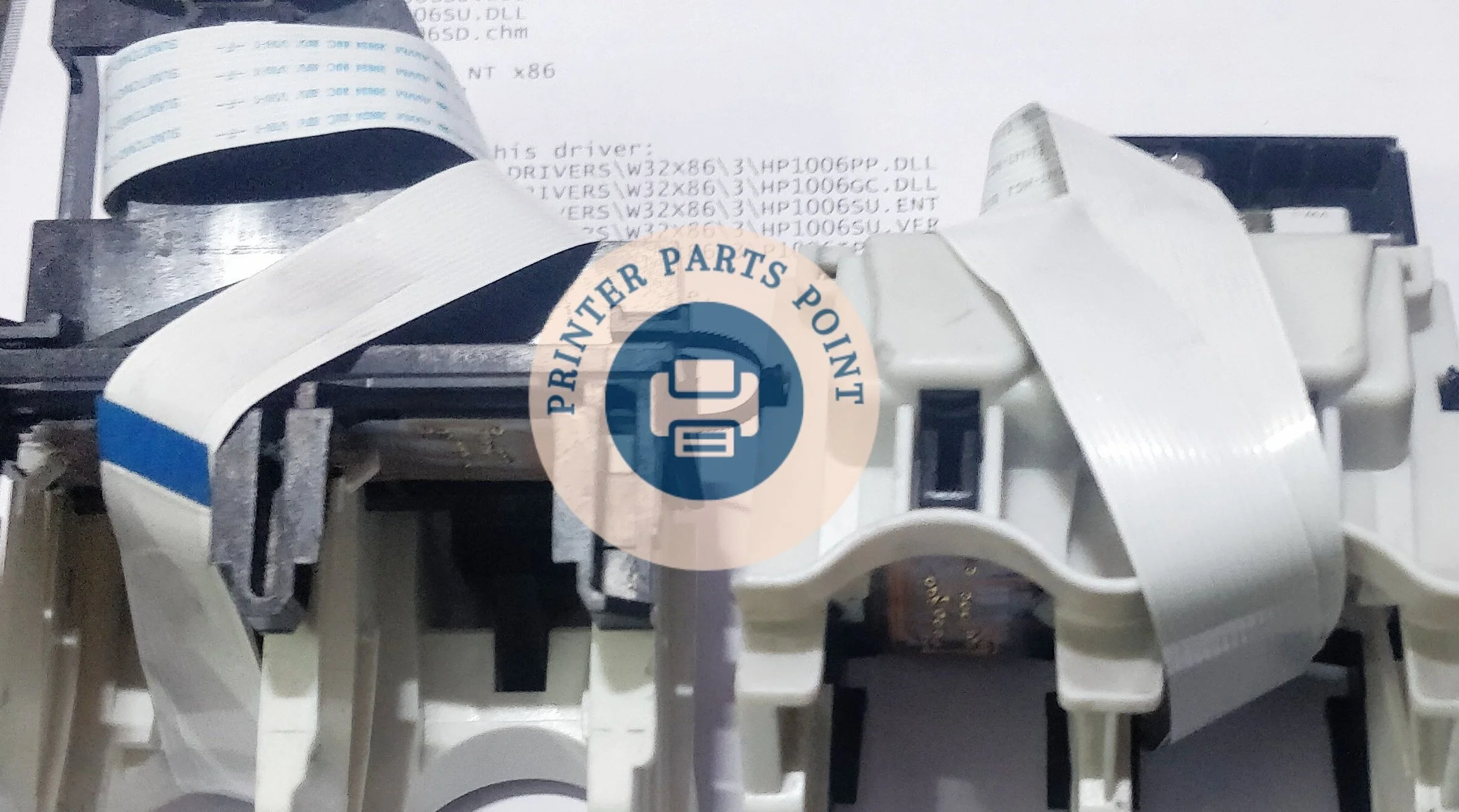
When you place a document on the glass to scan or photocopy, the scanning light bar (CIS or CCD Head) moves back and forth to read the page. As it moves, this flexible ribbon cable bends and flexes constantly, carrying millions of digital pixels every second. Because it moves with every single scan, it faces heavy friction and wears out over time.
What It Does (In Simple Words)
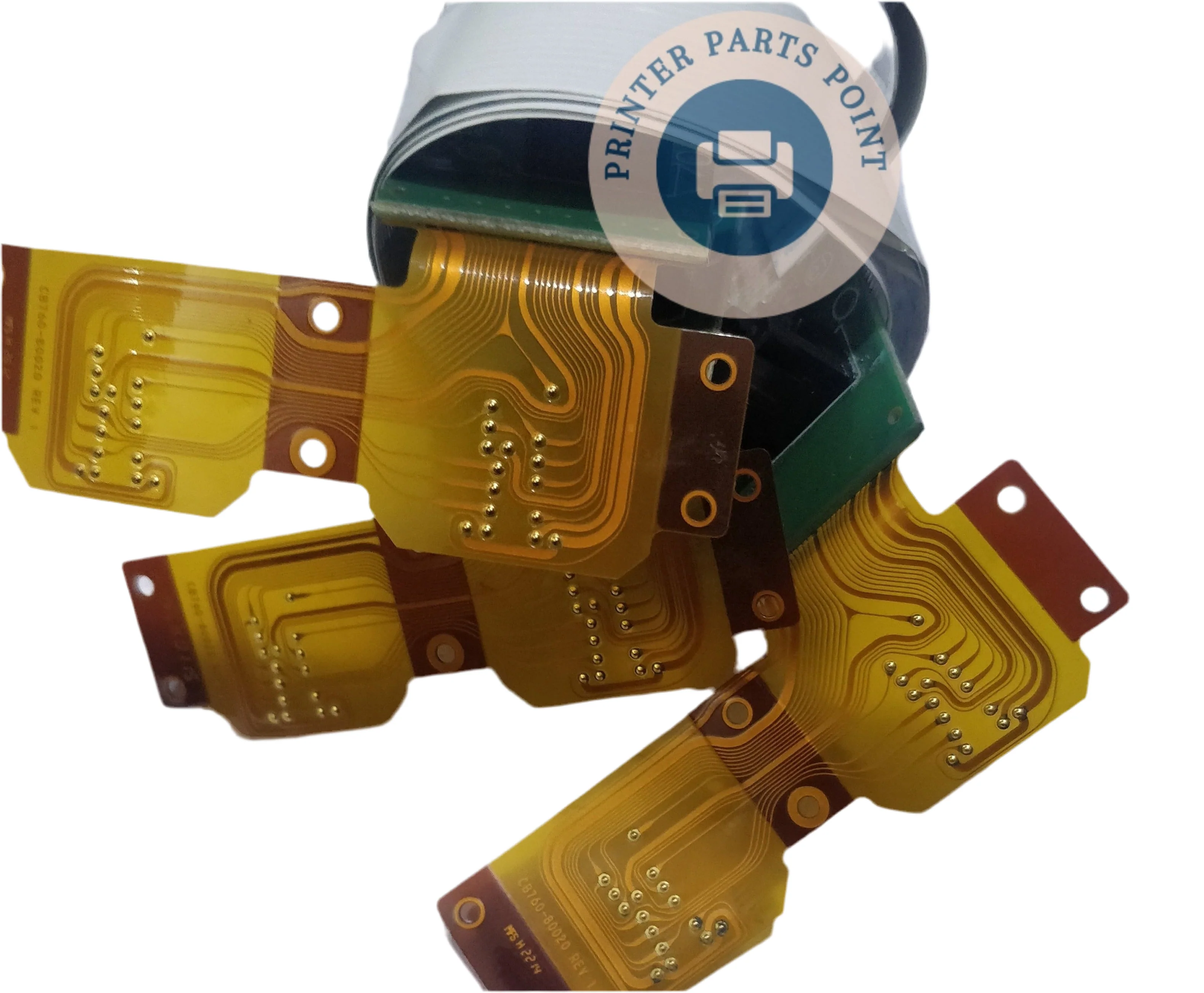
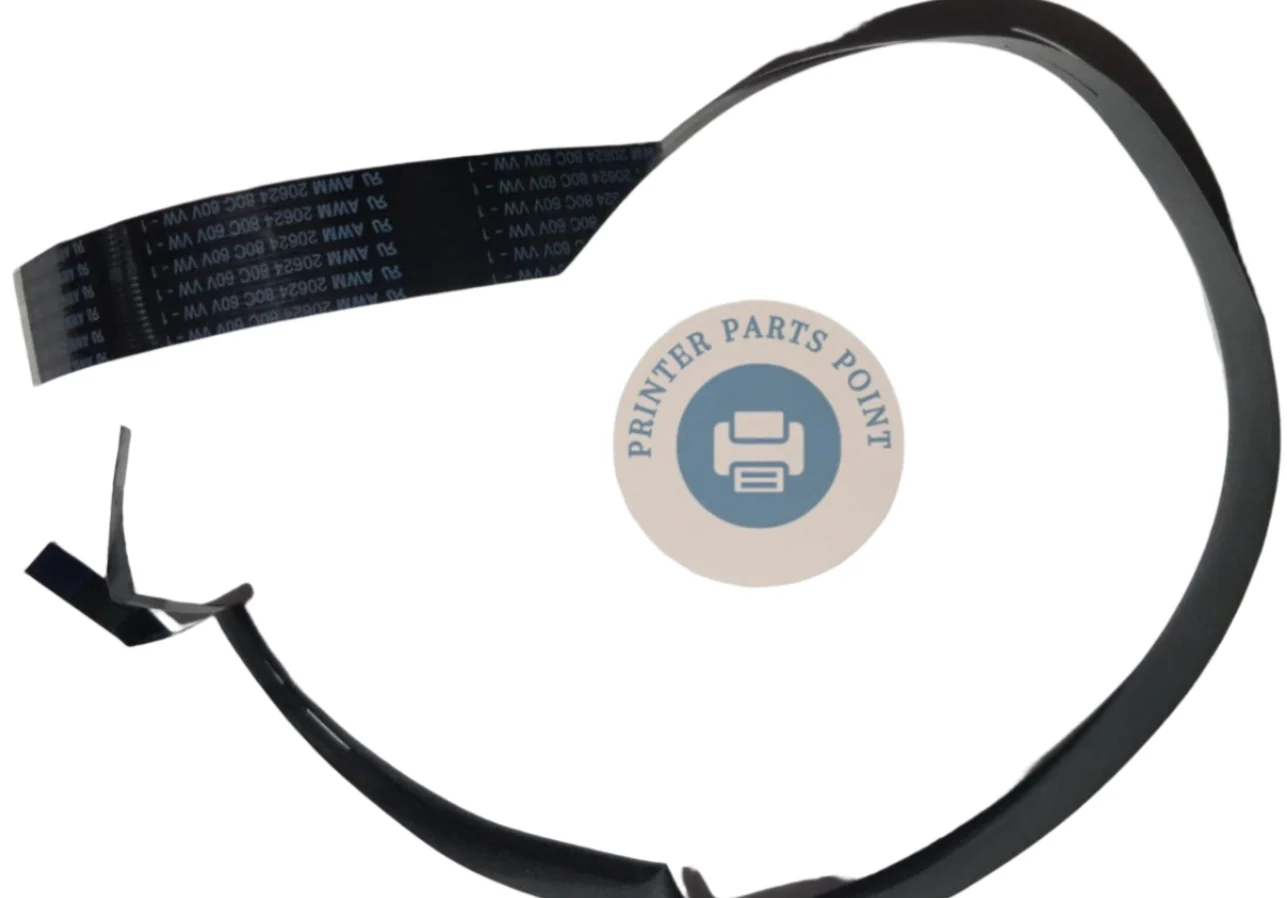
This flat flexible ribbon cable (FFC) is responsible for transmitting crystal-clear optical data and providing power to the scanning unit.
Common Signs Your Scanner Cable Needs replacing
Since this cable bends thousands of times, the tiny copper tracks inside it eventually crack, snap, or get scratched. Technicians and customers look for a replacement when they see these symptoms:
- Ugly Vertical Lines on Photocopies: Your prints are clean, but every time you make a photocopy or scan, you see a thick black, white, or colourvertical line running straight down the page.
- Continuous "Scanner Error" Codes: The printer locks up completely and throws errors like "Scanner Error 12", "Scanner Failure", or "Warming Up Error" because the brain loses connection with the scan head.
- Blanks Scans or Half-Scanned Pages: The scanner light bar moves halfway across the glass, freezes, or produces completely blank image files.
Scanner Light Blinking or Not Moving: The CCD Lamp Cable fails to deliver power, causing the scanning bulb to flicker blindly or stay stuck in the home position.
Think of the Upper Scanner Cable (commonly known as the CIS Cable or Scanner Cable) as the high-speed data highway connecting your printer's scanner head to its main brain (logic board).
⚠️Important Buying Tip for Customers:
Scanner ribbon cables look similar but are highly specific. They vary by the exact number of Pins (gold teeth), the Width of the ribbon, and the Total Length (mm). A cable for an HP LaserJet M1005 is totally different from an Epson L3110 or Canon G2010. Always count the pins or match your exact printer model number before purchasing!
Why Buy From Us?
We are India’s leading supplier of premium-grade, high-flex Upper Scanner Cables. Our curated range features reinforced insulation and pure gold-plated contact pins to ensure zero signal loss, crisp photocopies, and a long operational lifespan even under heavy, high-speed usage.
Description
Compatible Model - HP Smart Tank 500 All-in-One series - Hp Smart Tank 500 Series - HP Ink Tank 500
HP Smart Tank 510 Wireless All-in-One series - HP Smart Tank 516 Wireless All-in-One
HP Smart Tank 530 Wireless All-in-One series - HP Smart Tank 610 Wireless All-in-One
HP Smart Tank Plus 550 Wireless All-in-One series - HP Smart Tank Plus 570 Wireless All-in-
HP Smart Tank Wireless 450 series - HP Ink Tank Premium 615
HP Ink Tank Premium 655 - 1TJ11A - HP Smart Tank 500- HP Smart Tank 500 All-in-One
HP Smart Tank 510 - 3YW73A - HP Smart Tank 510 - 4SB23A
HP Smart Tank 516 Wireless All-in-One Pr - 3YW70A - HP Smart Tank 530 Wireless
HP Smart Tank 530 Wireless All-in-One - 4SB25A HP Smart Tank 530 Wireless
Part Condition :- New
Part Warranty :- No Replacement - No Warranty - Non Returnable Item
The "Data Highway" of Your Scanner
When you place a document on the glass to scan or photocopy, the scanning light bar (CIS or CCD Head) moves back and forth to read the page. As it moves, this flexible ribbon cable bends and flexes constantly, carrying millions of digital pixels every second. Because it moves with every single scan, it faces heavy friction and wears out over time.
What It Does (In Simple Words)
This flat flexible ribbon cable (FFC) is responsible for transmitting crystal-clear optical data and providing power to the scanning unit.
Common Signs Your Scanner Cable Needs replacing
Since this cable bends thousands of times, the tiny copper tracks inside it eventually crack, snap, or get scratched. Technicians and customers look for a replacement when they see these symptoms:
- Ugly Vertical Lines on Photocopies: Your prints are clean, but every time you make a photocopy or scan, you see a thick black, white, or colourvertical line running straight down the page.
- Continuous "Scanner Error" Codes: The printer locks up completely and throws errors like "Scanner Error 12", "Scanner Failure", or "Warming Up Error" because the brain loses connection with the scan head.
- Blanks Scans or Half-Scanned Pages: The scanner light bar moves halfway across the glass, freezes, or produces completely blank image files.
Scanner Light Blinking or Not Moving: The CCD Lamp Cable fails to deliver power, causing the scanning bulb to flicker blindly or stay stuck in the home position.
Think of the Upper Scanner Cable (commonly known as the CIS Cable or Scanner Cable) as the high-speed data highway connecting your printer's scanner head to its main brain (logic board).
⚠️Important Buying Tip for Customers:
Scanner ribbon cables look similar but are highly specific. They vary by the exact number of Pins (gold teeth), the Width of the ribbon, and the Total Length (mm). A cable for an HP LaserJet M1005 is totally different from an Epson L3110 or Canon G2010. Always count the pins or match your exact printer model number before purchasing!
Why Buy From Us?
We are India’s leading supplier of premium-grade, high-flex Upper Scanner Cables. Our curated range features reinforced insulation and pure gold-plated contact pins to ensure zero signal loss, crisp photocopies, and a long operational lifespan even under heavy, high-speed usage.